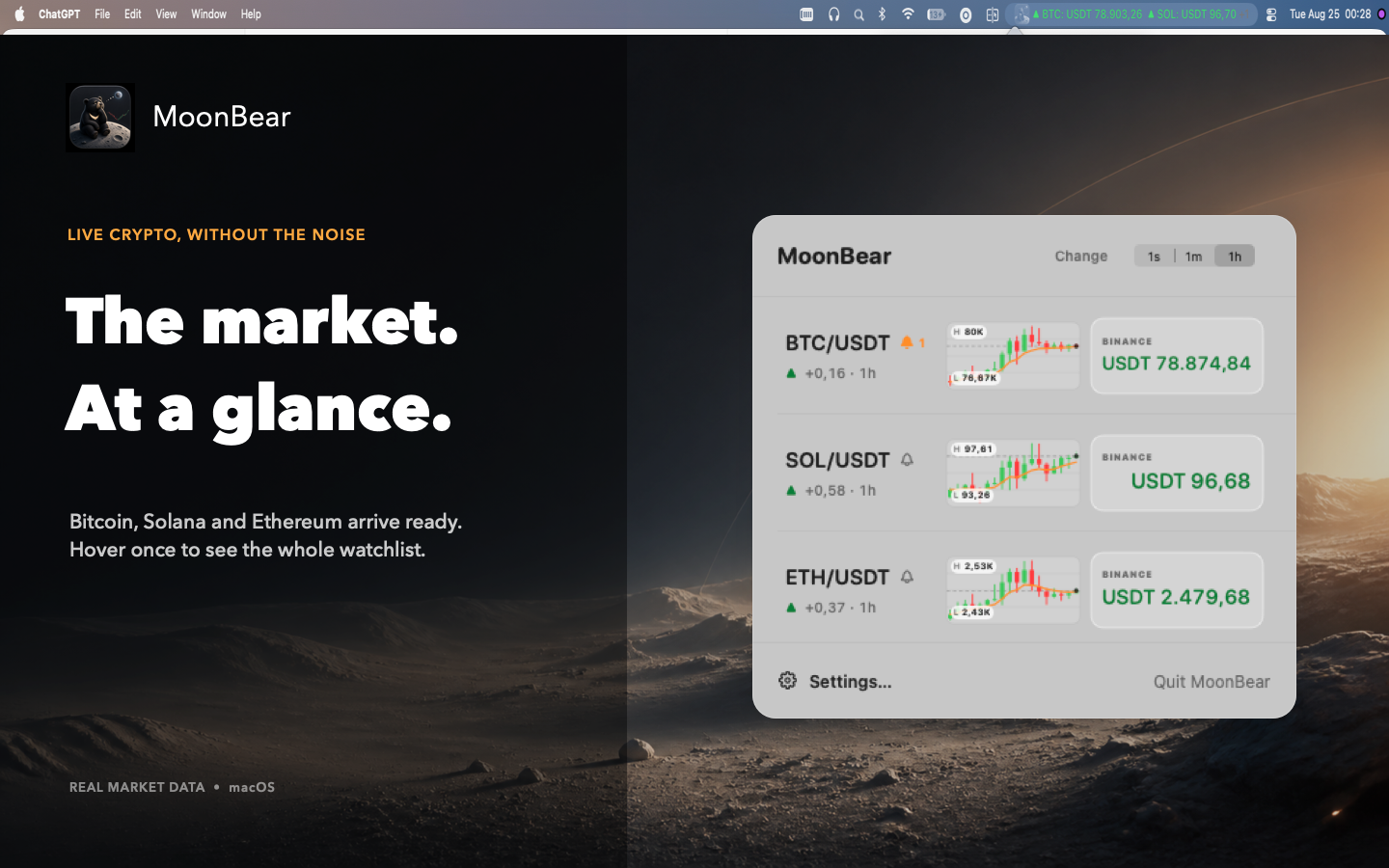
Your first two pairs stay visible.
Prices and direction remain readable beside the clock. Move the pointer over MoonBear to see the rest of your watchlist.
macOS menu bar market companion
Keep the pairs you care about one glance away. MoonBear groups matching markets, tracks real public prices and keeps local alerts close without turning your desktop into a trading terminal.
Version 3.6.3 · Build 33 · macOS 12 or later
Ten seconds with MoonBear
From the menu bar to watchlist controls and one-second refresh options, see the MoonBear workflow in motion.
Built for the glance
Prices and direction remain readable beside the clock. Move the pointer over MoonBear to see the rest of your watchlist.
Select the same pair from different exchanges and MoonBear groups their prices together instead of duplicating the watchlist.
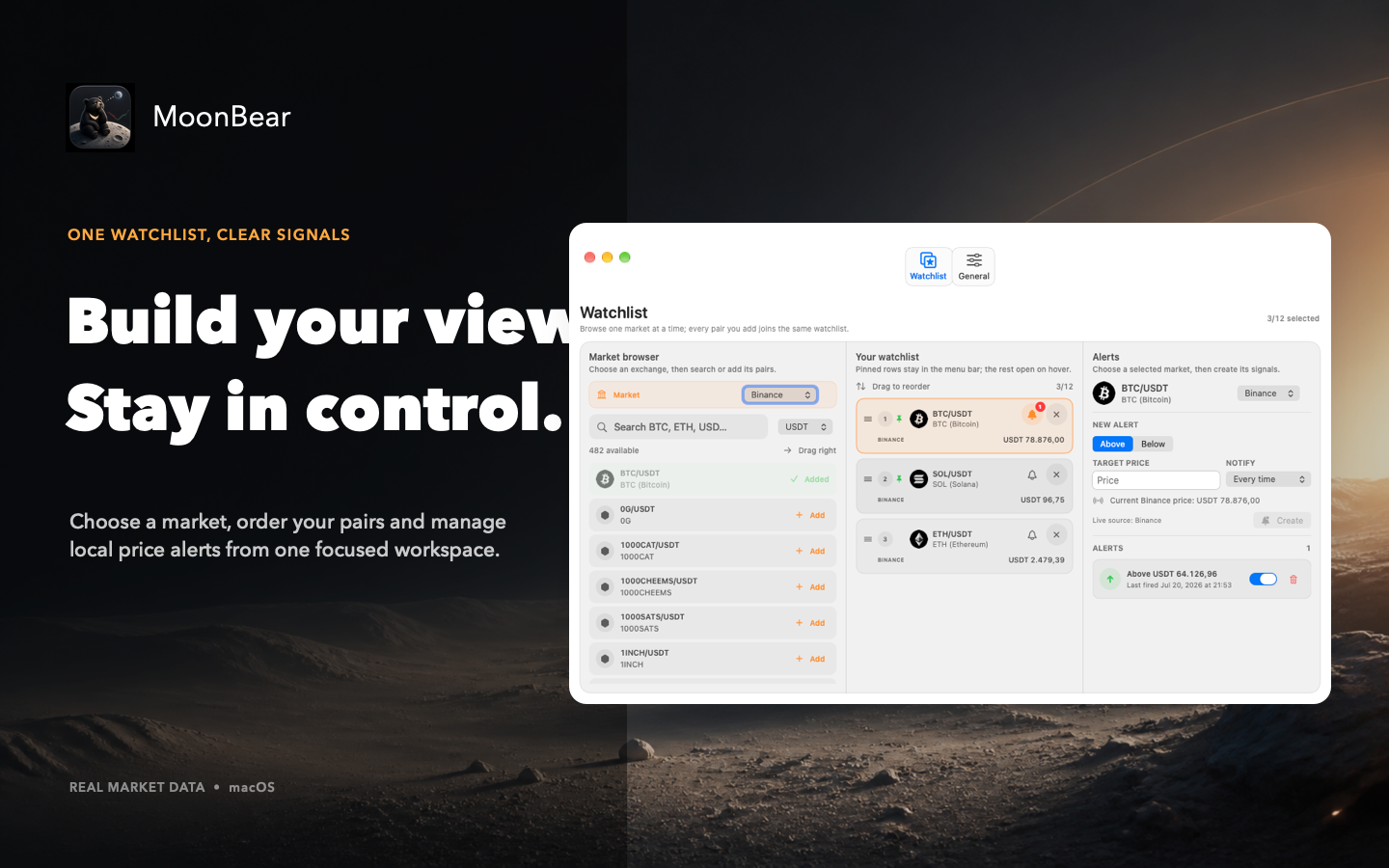
Create local thresholds from the watchlist. MoonBear never connects to exchange accounts, wallets or trading APIs.
A calm control surface
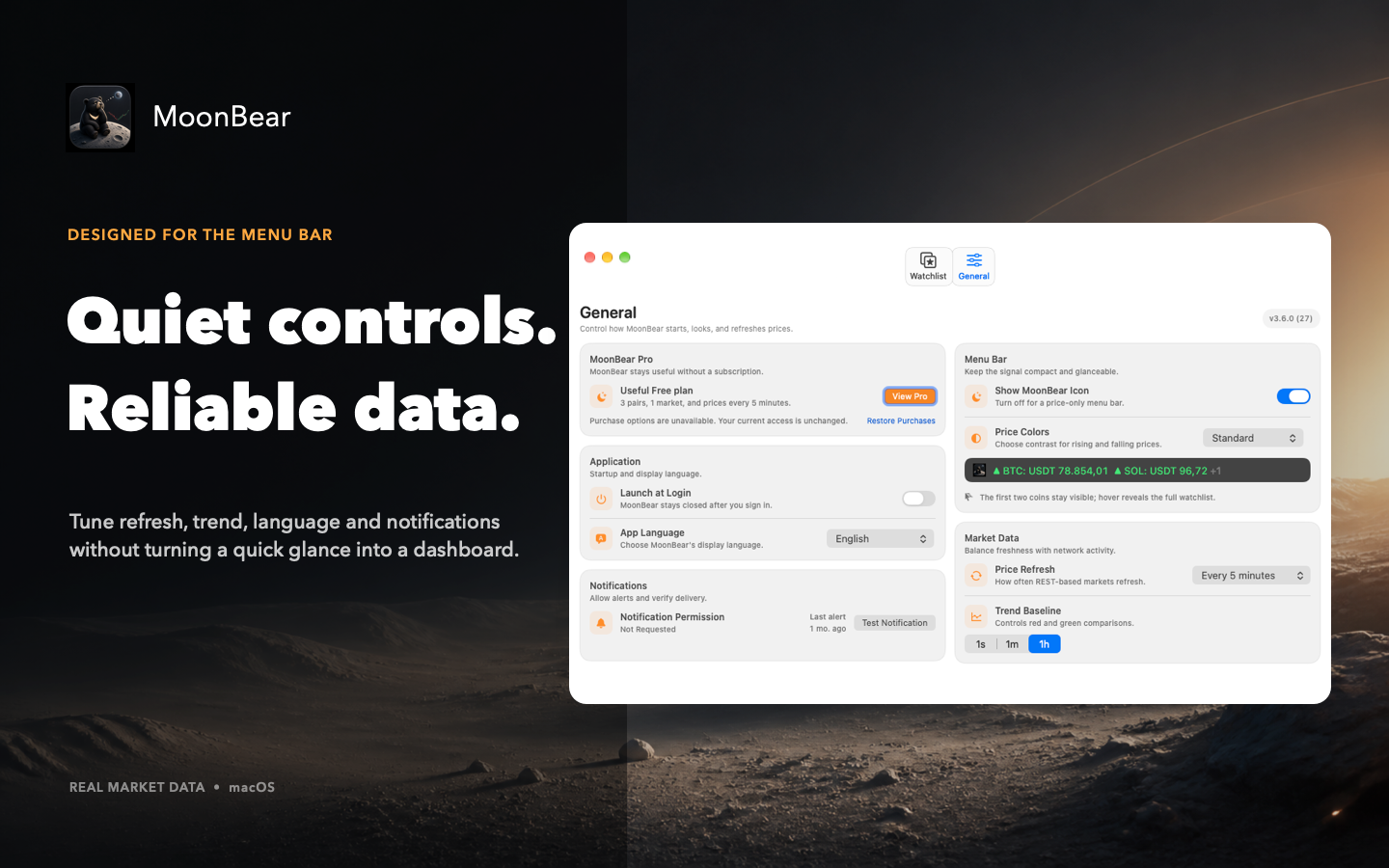
Start with Bitcoin from Binance. Replace your Free pair anytime, or use Pro to add pairs, reorder the menu bar and manage local alerts.
Choose your pace
Free
MoonBear Pro
The localized price is shown in the App Store before purchase. Yearly renews automatically unless cancelled. Lifetime is one payment with no renewal and does not cancel an existing yearly subscription.